Adding Cablecast Engineering to Your Roku Developer Account
Last Updated:February 7, 2026
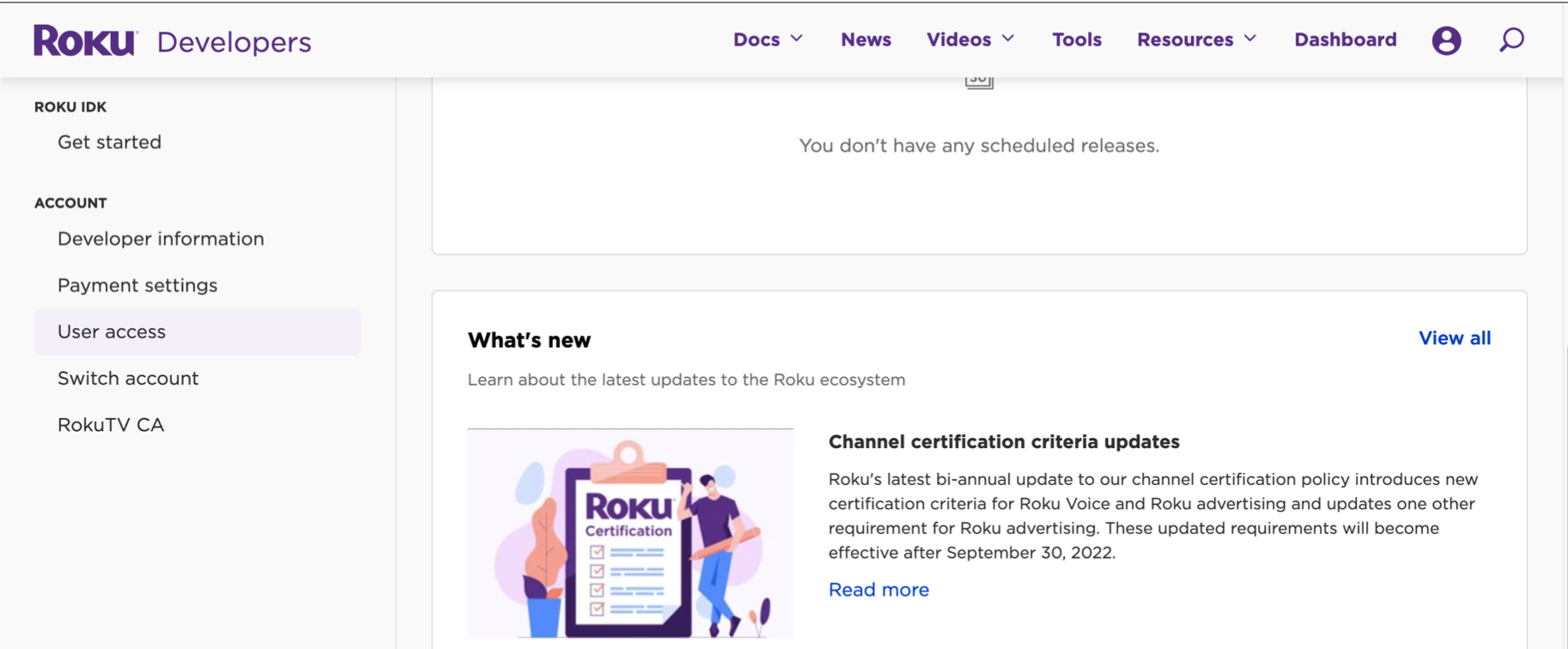
Adding Cablecast to your Roku account as an administrator user will allow us to upload the Branded Cablecast App for Roku for you. You will need to still create the channel, as it requires a Roku device to be associated with the channel. Go to the dashboard and scroll down on the left to User Access
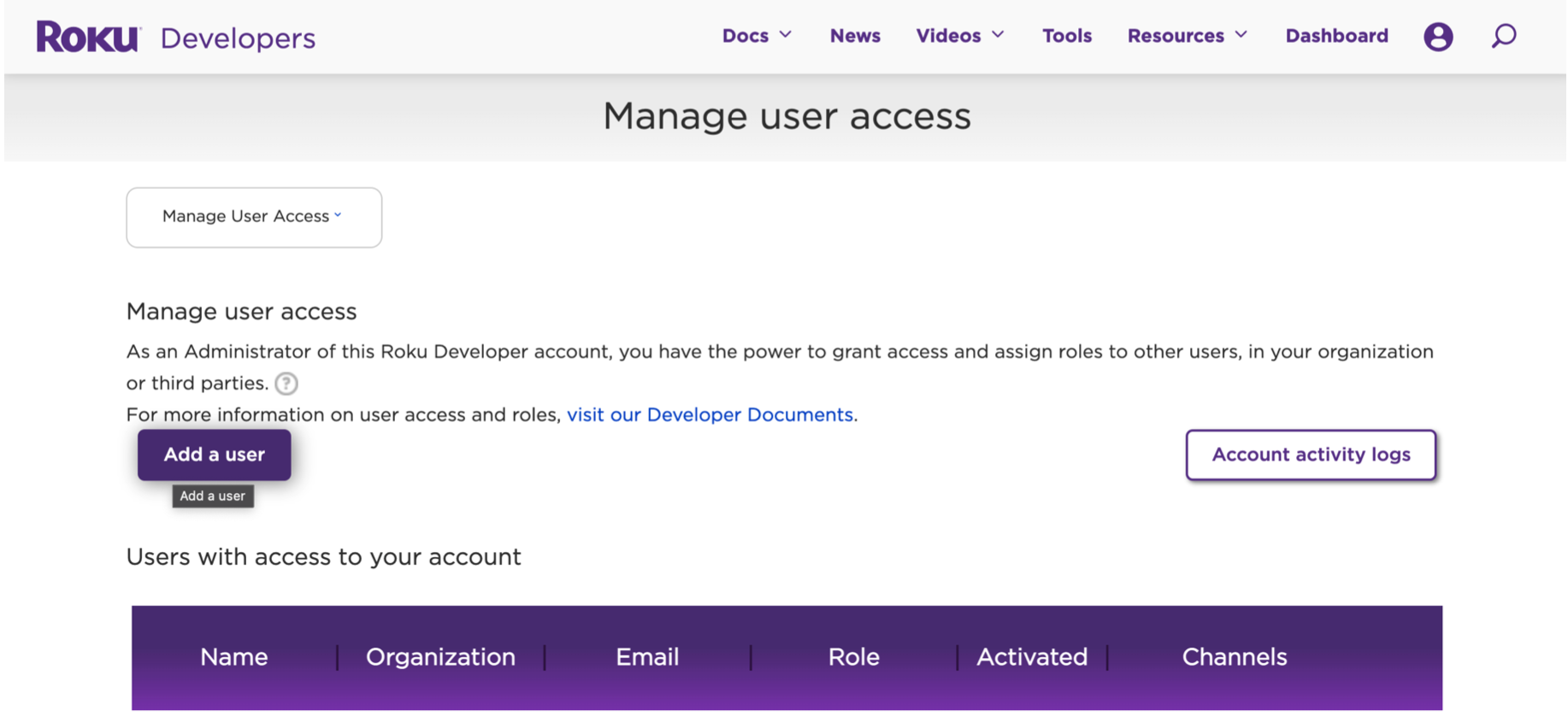
Click on Add User
Fill out the form with our information and add the administrator role, then hit Create.
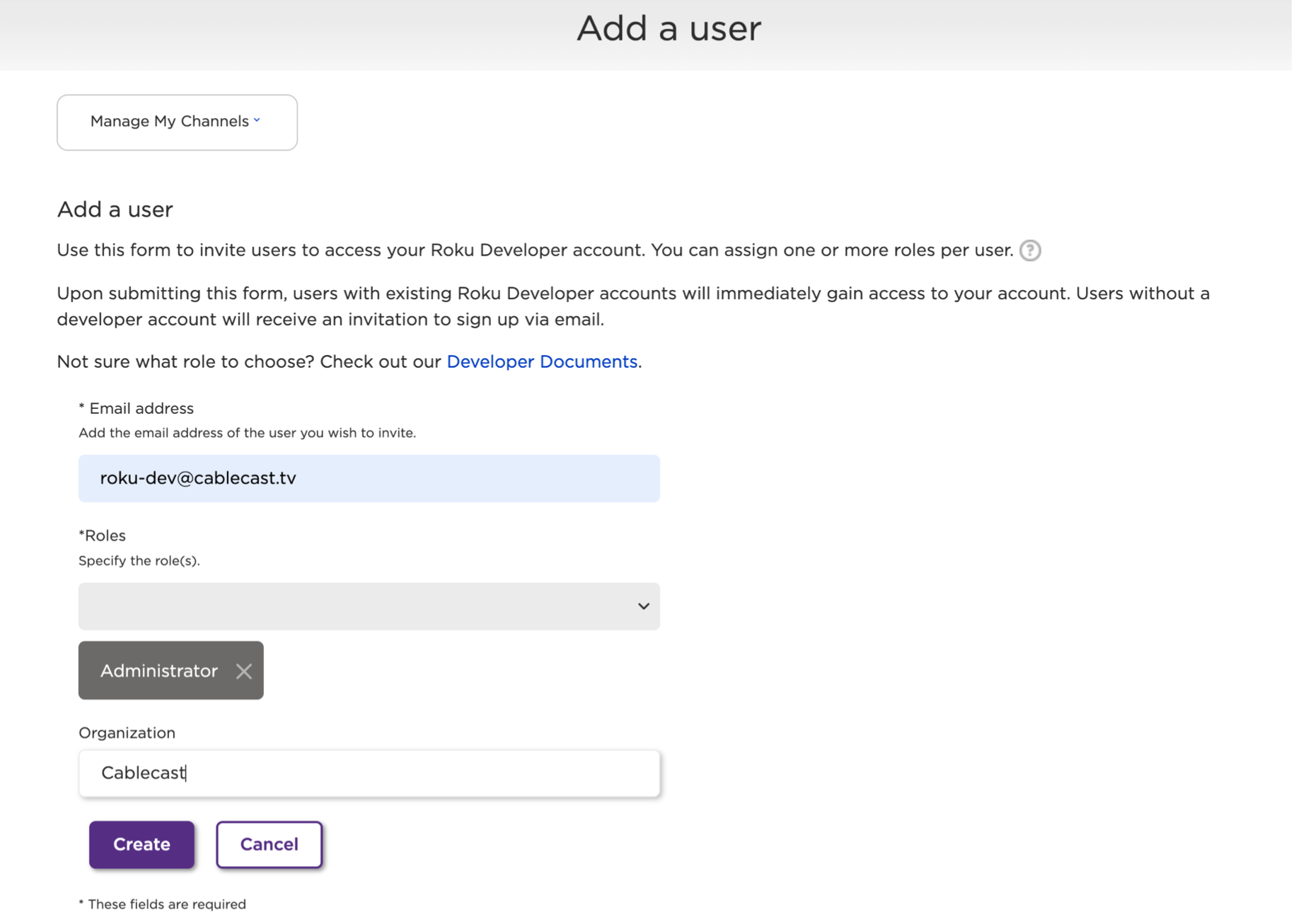
This will send us an invite to accept and give us access to your account.
