Starting/Restarting Cablecast Service
December 2, 2025
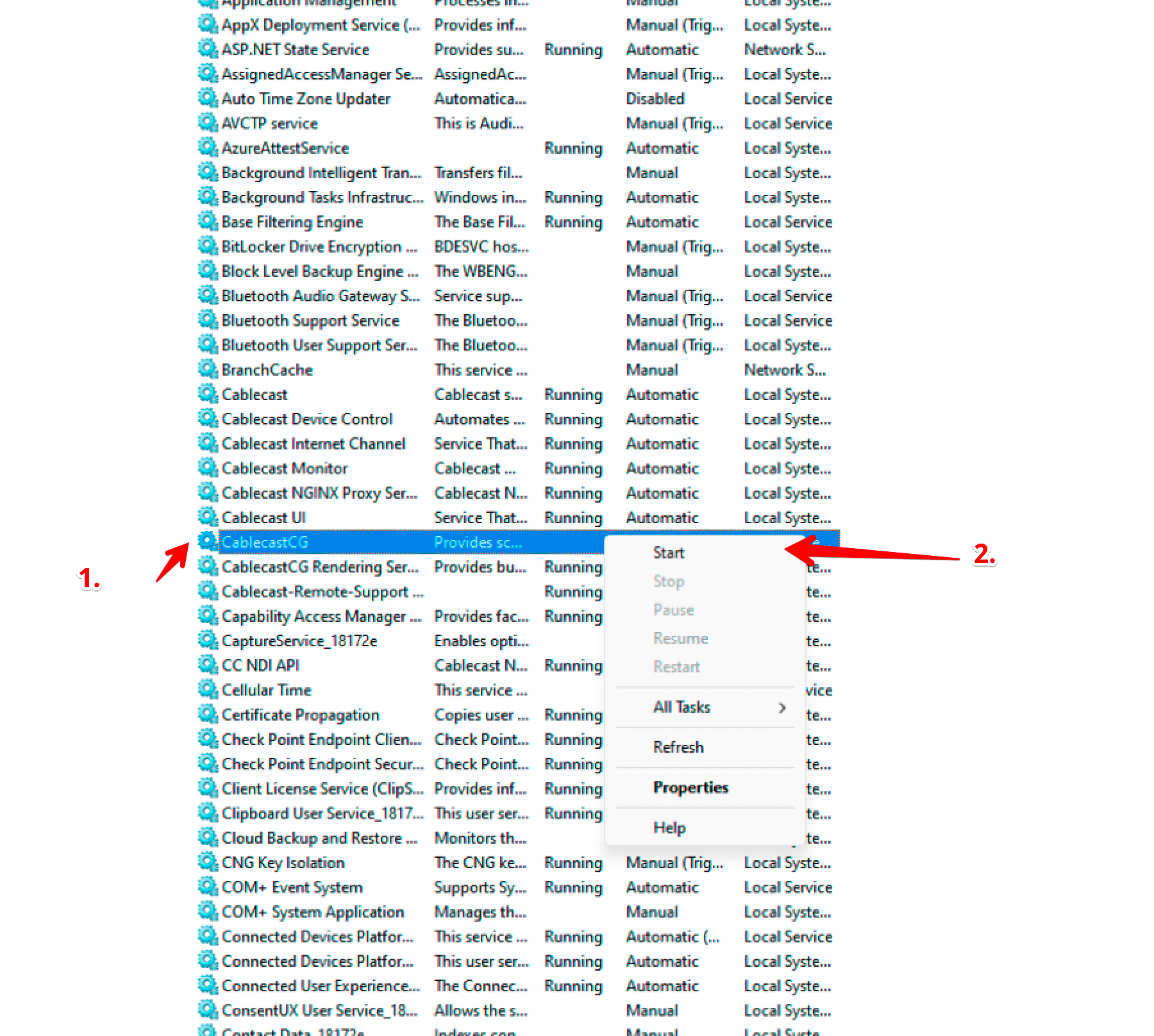
In some instances, the CablecastCG service could stop or not start correctly preventing the system from playing CG. This KB walks through how to check if the service is running.
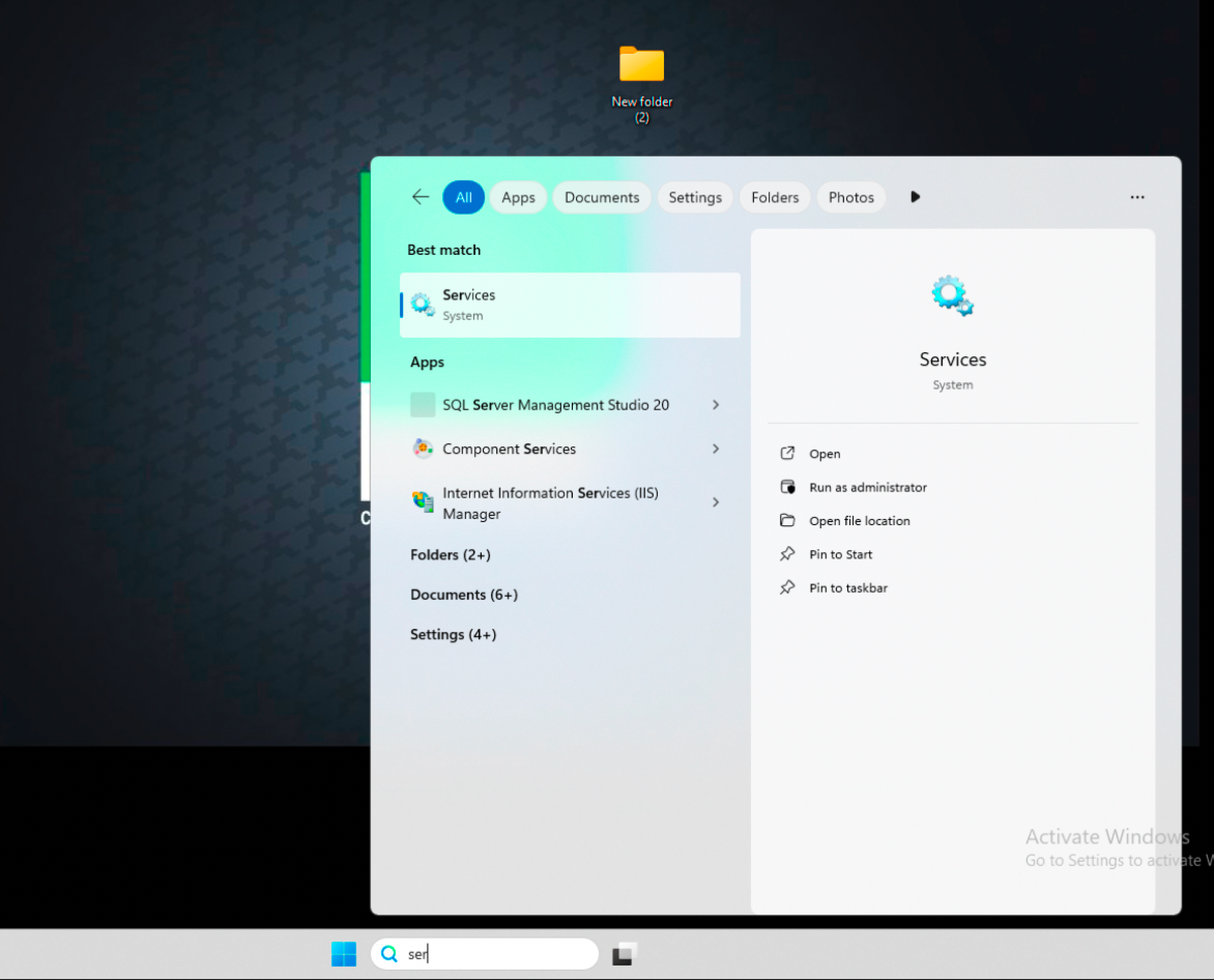
Search for "services" in Windows.
Right-click on the CablecastCG Service and click "start" If the service does not start, you can try rebooting the server. If issues persist, please contact support@cablecast.tv with the issue and error message.