Tightrope Media Systems will be closed this week October 19th - 23rd during our annual All Hands on Deck meeting in Minnesota. There will be limited support response during this time. We will return to normal business hours October 26th.

Skip to main content

Using IPMI to check for a Failed Fan

Last Updated:February 7, 2026

Open CMD as an Administrator

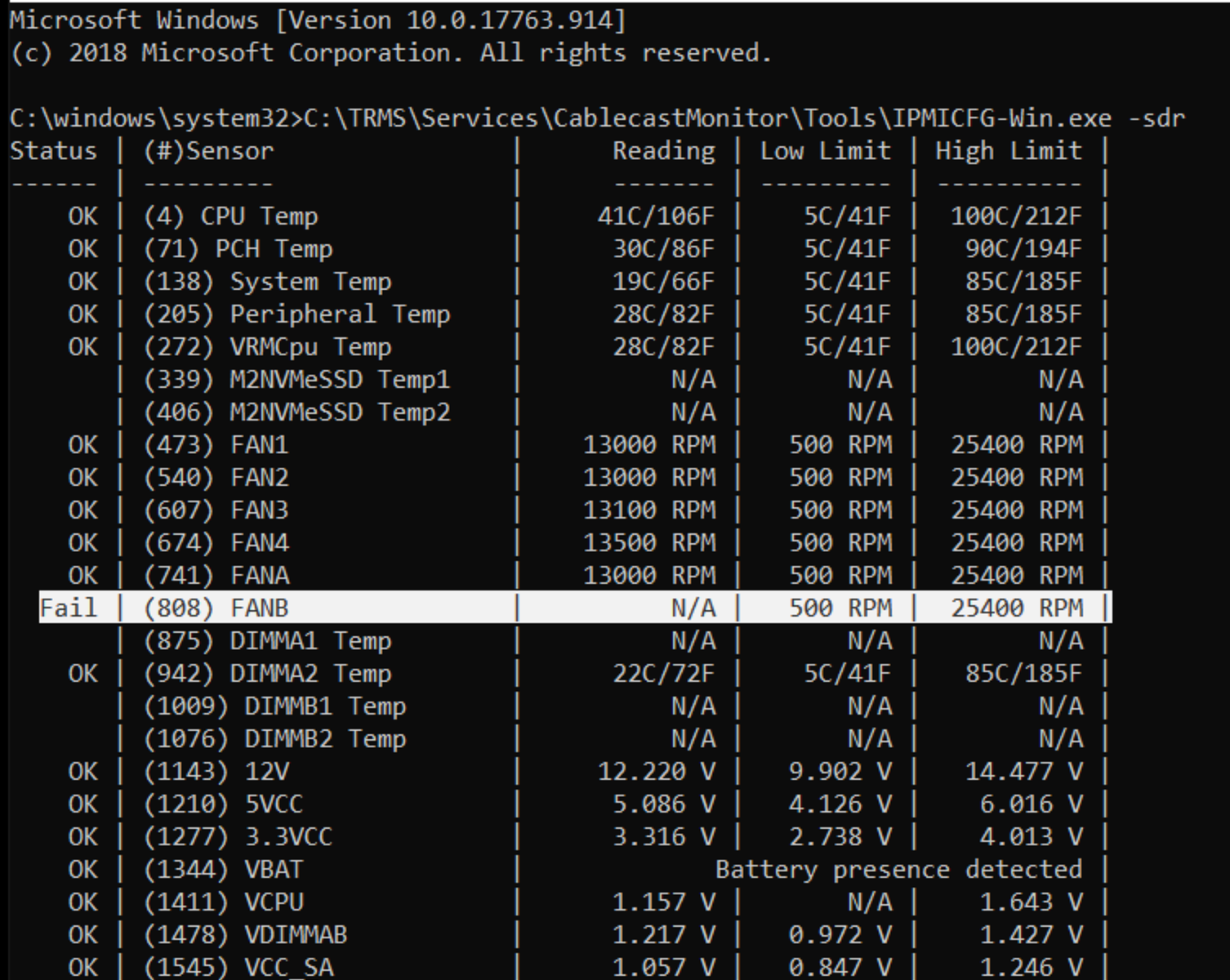
Run the following command:

Text

1 C:\TRMS\Services\CablecastMonitor\Tools\IPMICFG-Win.exe -sdr

After running the command, you will get results that look like this:
Did you find this article helpful?