Update RabbitMQ
Uninstall Cablecast
Uninstall RabbitMQ
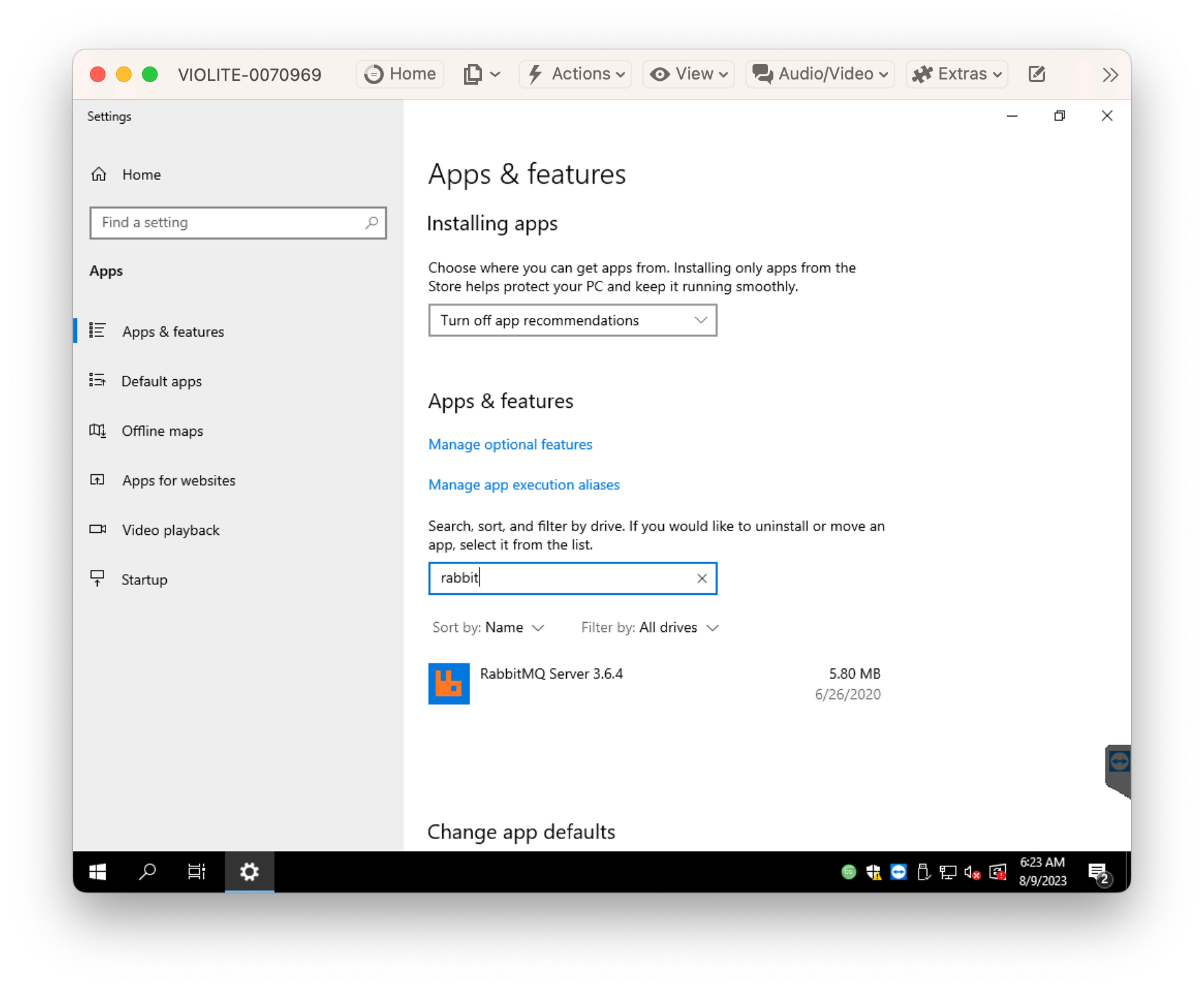
Uninstall Erlang
If epmd.exe is still running, kill it.
Delete the following directories Failure to delete these directories will cause the RabbitMQ service to not start correctly after installation. If that happens you’ll need to stop everything. Delete them then and re-install the service.
C:\Users\<user>\AppData\Roaming\RabbitMQ
TODO - newer deployed system put a rabbit folder in C:\TRMS - delete that
Install Erlang/OTP 25.3.2 from here: https://github.com/erlang/otp/releases/download/OTP-25.3.2/otp_win64_25.3.2.exe
Install RabbitMQ 3.12.2 from here: https://github.com/rabbitmq/rabbitmq-server/releases/download/v3.12.2/rabbitmq-server-3.12.2.exe
You will be prompted by the installer to allow RabbitMQ access to the firewall and to start the RabbitMQ service. Do both.
Start RabbitMQ Service
Re-install Cablecast
Check bulletin rendering of new bulletin to ensure that Rabbit / CablecastCG rendering work well together.