How to Stop a Stuck Service
Last Updated:February 7, 2026
In this example, we'll use the Cablecast service as an example, but this can be theoretically applied to any Service stuck in starting.
Open Command Prompt as Admin
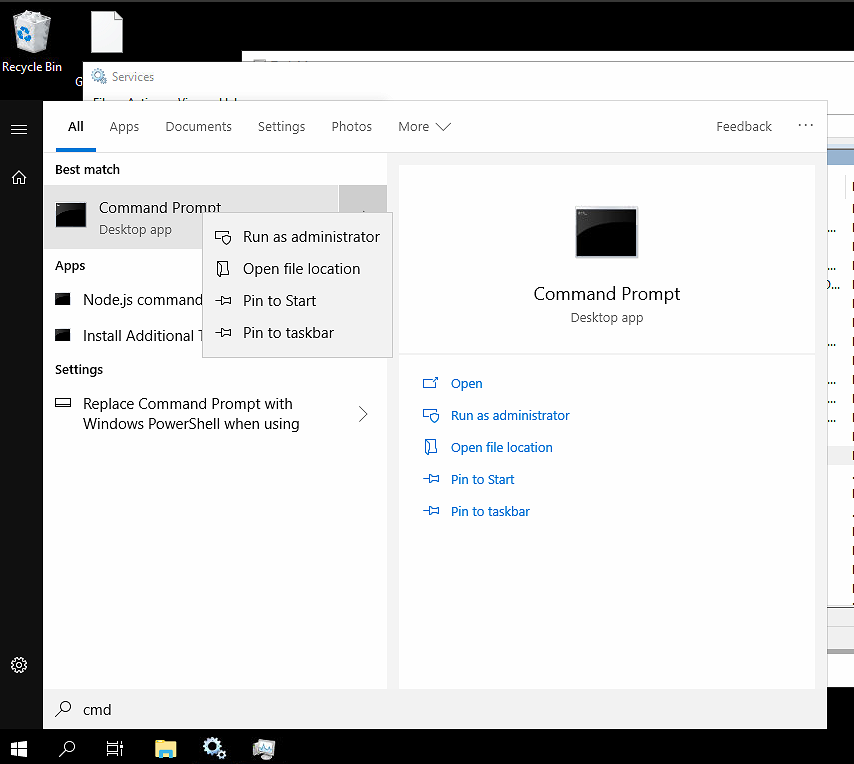
Run the command
sc queryex "Cablecast"and hit enter
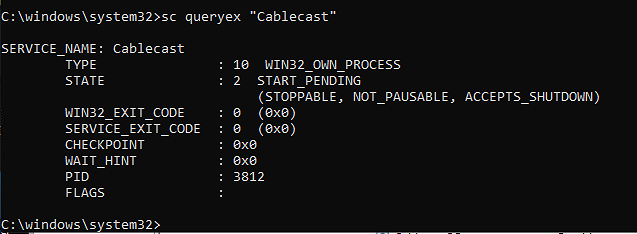
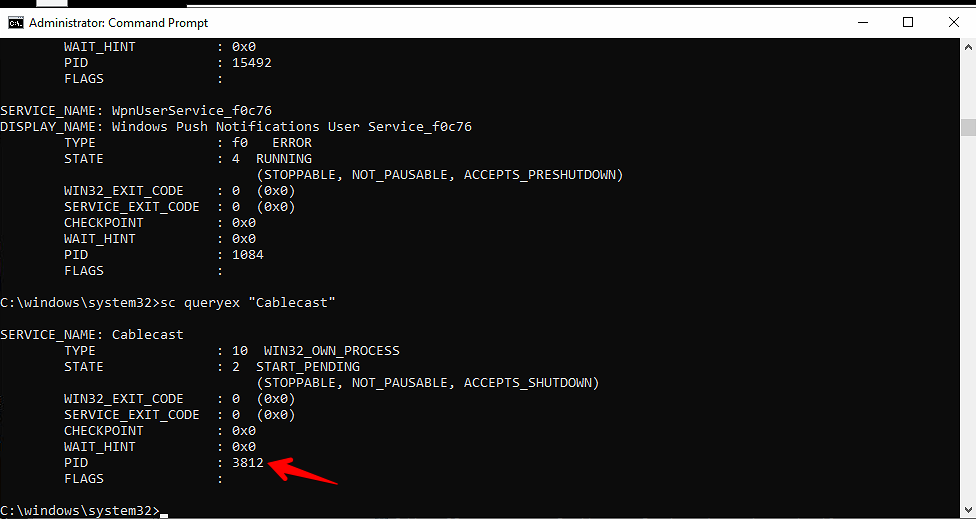
Look for the PID field and note the number below for the next step. It will be different in your case from the image provided
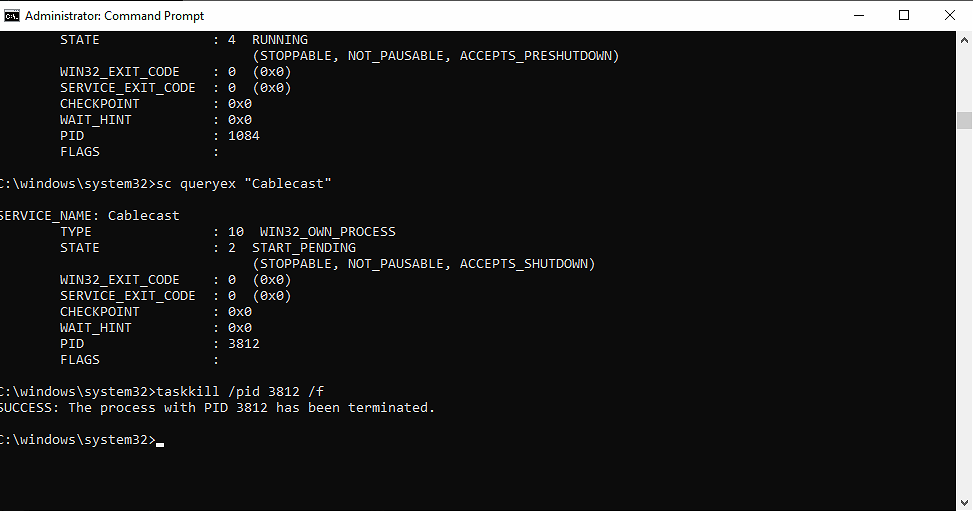
Use the PID found in the previous command and execute the following command and replace {pid} with the one you found
taskkill /pid {pid} /fYou should get the following command that it was successful